
Personalized video walk-arounds can boost dealership appointment show rates by more than 35% and build trust with engaged customers.
Suppose you’re not sending personalized video walk-arounds after a customer calls in about a vehicle. In that case, you’re missing one of the most effective tools available to improve appointment show rates and close more deals. This simple tactic, recording a quick video of the vehicle and introducing yourself on camera, can create a personal connection, highlight key features and help you stand out from the competition.
Let me break down why this works and how your dealership can adopt it right away.
Why Video Walk-Arounds Work
When a customer calls about a vehicle, they’re already engaged. Following up with a short, personalized video helps maintain that momentum and makes the experience more genuine. A video lets the shopper see the actual car and meet the person they spoke with. It builds trust, shows transparency and can often be the deciding factor that gets a customer off the fence and into your showroom.
Salespeople who consistently send videos to inbound leads report significant increases in customer engagement, appointment confirmations and overall sales. Some stores have seen show rates rise by as much as 35% or more.
Best Practices for Sending Video Walk-Arounds
1. Send It Fast
Respond quickly, ideally within 15-30 minutes after the call. This shows responsiveness and keeps the lead warm. If you can’t film right away, send a message confirming that you’ll send the video soon.
2. Start with a Friendly Intro
Begin the video by appearing on camera. Smile and greet the customer by name. For example: “Hi Sarah, this is James from Main Street Motors. Great talking with you earlier!”
3. Keep It Short and Focused
Aim for one to three minutes. Highlight two or three key features of the vehicle that align with the customer’s interests. Don’t try to cover everything. Save some talking points for the in-person visit.
4. Show the Car Clearly
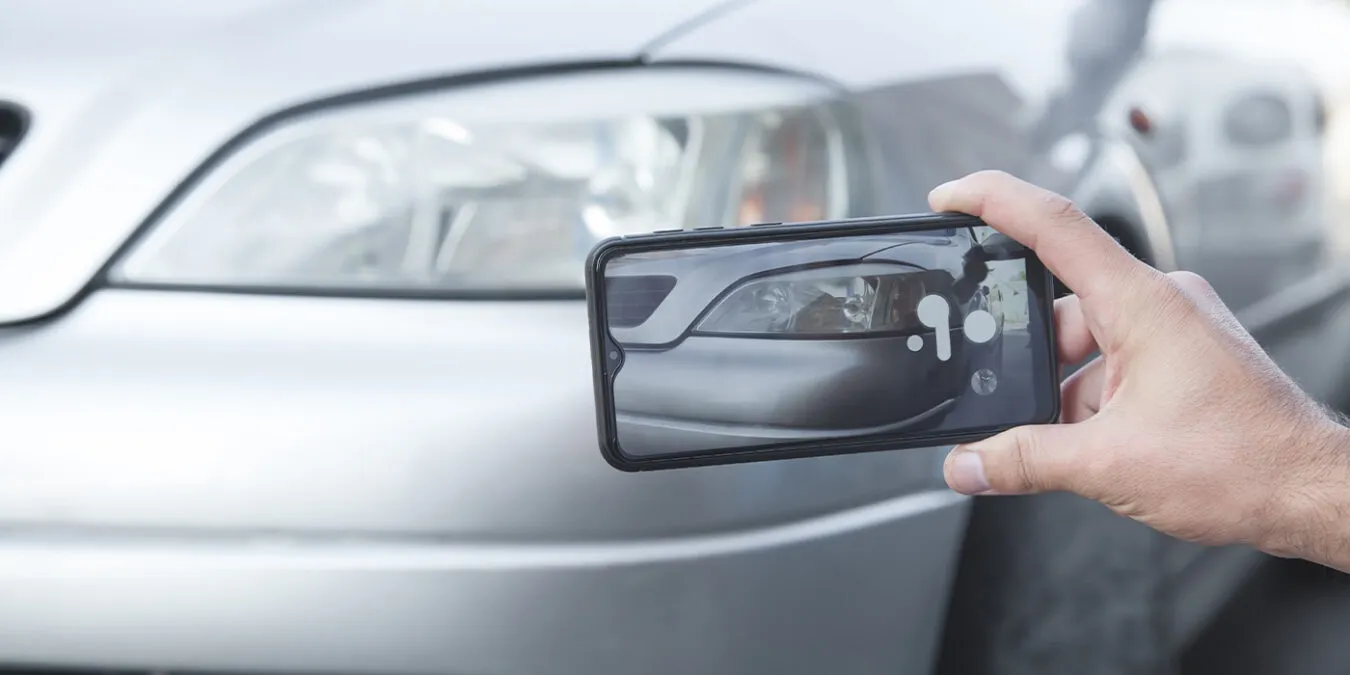
Use natural light, speak clearly and keep the camera steady. Start with a wide shot of the vehicle, then move in to show details. Cover the exterior, interior and any additional features the customer has requested.
5. Personalize the Message
Mention something from your conversation. For example: “You mentioned wanting extra cargo space. Check out how deep the trunk is.” Tailor the video so the customer knows it was made just for them.
6. Close with a Call-to-Action
Flip the camera back to yourself at the end. Invite them to visit and give them the next step. “Let me know what time works for your test drive. I’m here until 7 tonight and would love to show it to you in person.”
7. Choose the Right Delivery Method
Text is fast and has high open rates. Email works too, especially if you include a clickable thumbnail and a short note. Ensure your video is mobile-friendly and easy to view.
8. Follow Up
If you haven’t heard back within a day, send a friendly message. “Just checking to see if you had a chance to watch the video. Happy to answer any questions or set up a time for you to come in.”
Bonus Tip: Appointment Reminder Videos
On the day of the appointment, send a short video reminding the customer about their visit. “Hey Mike, the F-150 is cleaned up and ready for you at 3 p.m. Looking forward to seeing you!”
Sample Script Template
“Hi [Customer Name], this is [Your Name] from [Dealership]. Thanks for your call earlier about the [Year, Make, Model]. I wanted to show you the actual vehicle so you can get a better look.”
“As you can see, the exterior is in great shape. Here are the alloy wheels and LED lights we mentioned. Let me take you inside…”
“This has the upgraded interior package, leather seats, heated and super clean. Here’s the touchscreen and backup camera. It also has [mention other features they asked about].”
“I hope this gives you a better feel for the vehicle. Let me know if you’d like to come in for a test drive. I’ll make sure it’s ready for you. Thanks again, and I look forward to meeting you!”
Video walk-arounds aren’t just for tech-savvy dealers. They’re for any dealership that wants to build trust and increase the chances that a customer will show up and make a purchase. The best part? It only takes a few minutes to make a big impact. Train your team, practice a few scripts, and start using video to turn your phone leads into showroom visits and sales.